Technology & Assistive Technology
Technology for every way of learning, communicating and creating.
AHM has been a leader in technology for students with disabilities for more than a decade, featured in The Wall Street Journal and EdTech Magazine for its approach to STEM and computer science, and a member of the New Jersey Department of Education’s InnovateNJ community. Today AHM has dedicated Technology and Assistive Technology instruction, and technology shows up in every classroom, therapy space and L.I.F.T. room.
Technology supports instruction. It does not replace it.
A device never takes the place of the teacher, the therapist or the friend sitting next to you. Technology is how more students get to take part.
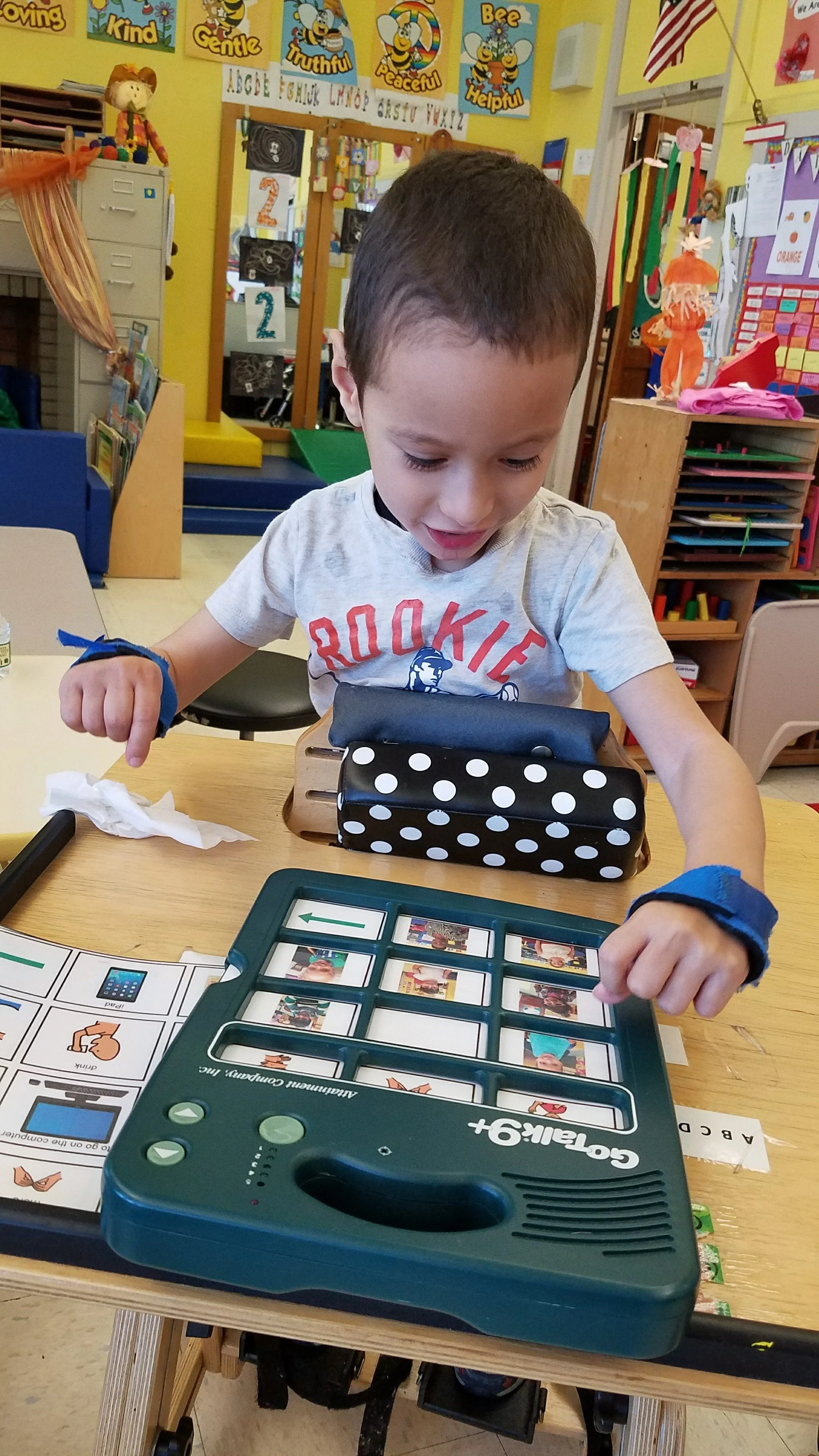
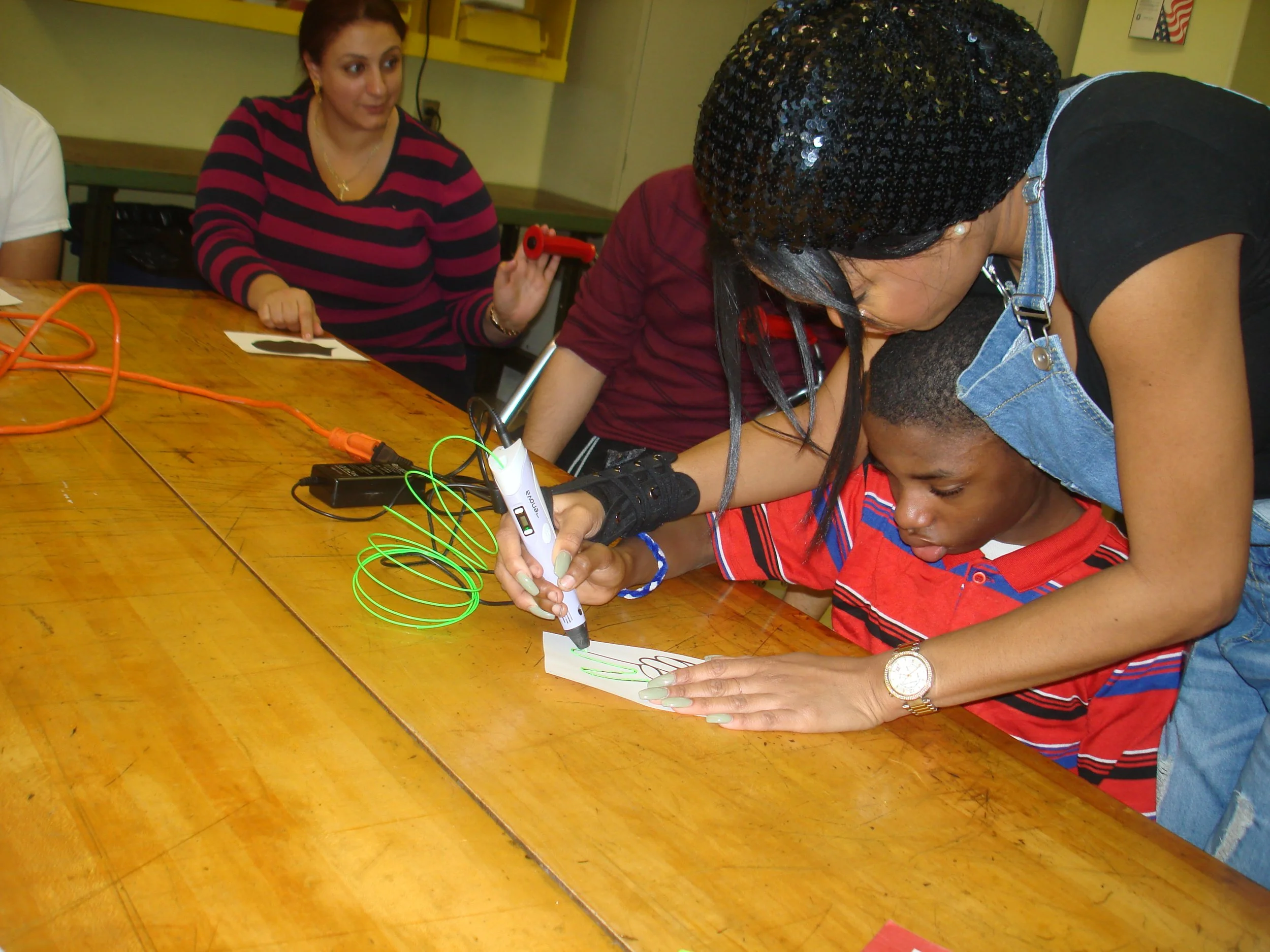
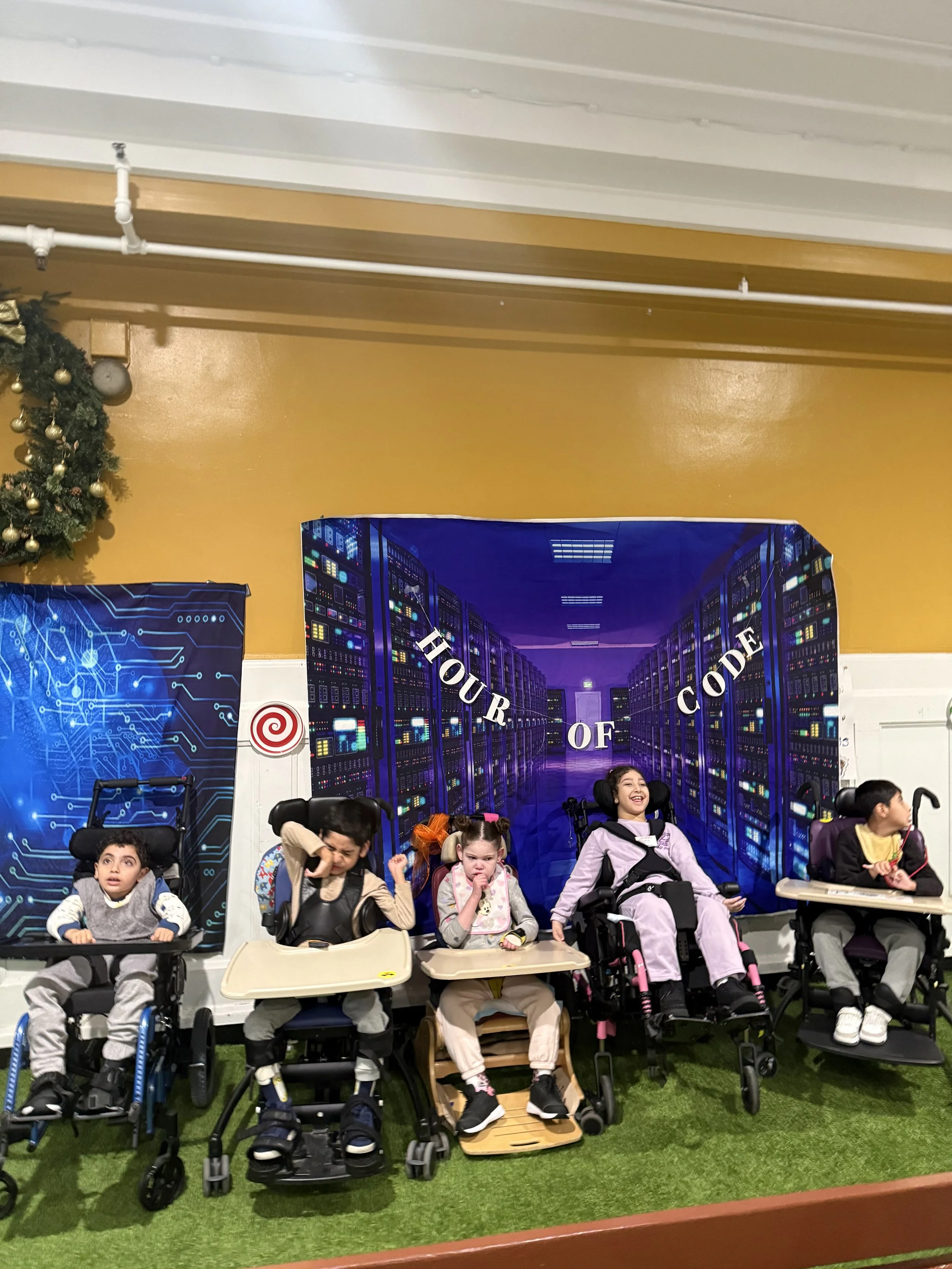
In our classrooms and labs: robotics, 3D printing and 3D pens, wearable technology, green screen, drones, iPads and computers, coding, switch access, touch access, eye gaze, AAC, low-tech communication and accessible digital learning.
Five things technology does at AHM
Access
Switch access, eye gaze, touch, alternative keyboards and input, built-in accessibility features, adapted interfaces and partner-assisted access.
Communication
AAC devices, symbol-supported communication, communication apps, low-tech boards and books, switch and eye-gaze communication and partner-supported communication.
Learning
Accessible digital lessons, iPads and computers, educational platforms, STEM, coding, digital literacy and 3D design.
Creating
Digital art, photography, video and green screen, 3D design and printing, robotics, coding and multimedia projects.
Independence
Making choices, accessing information, communicating needs, following schedules, completing tasks, navigating digital tools and self-advocacy.
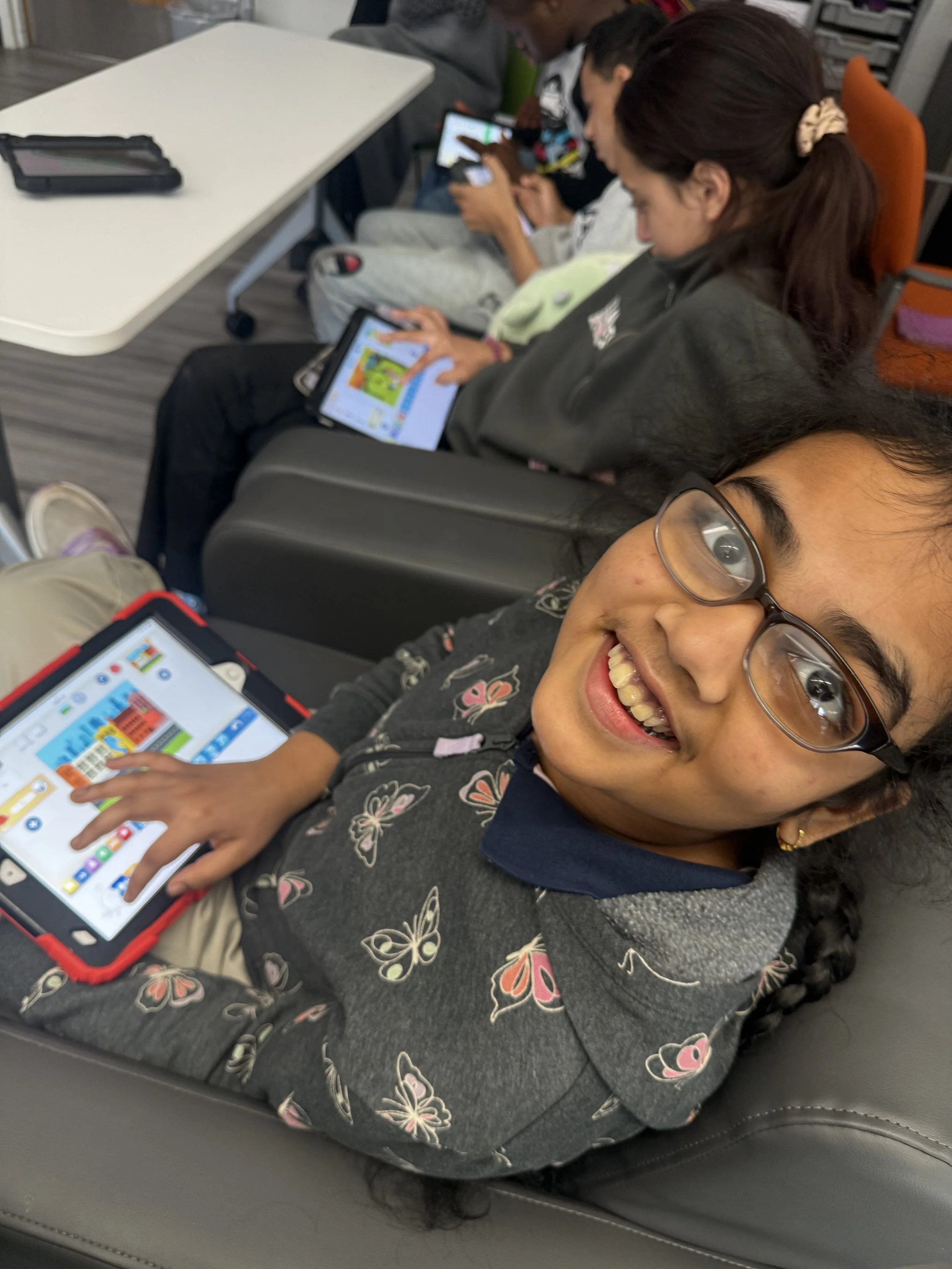
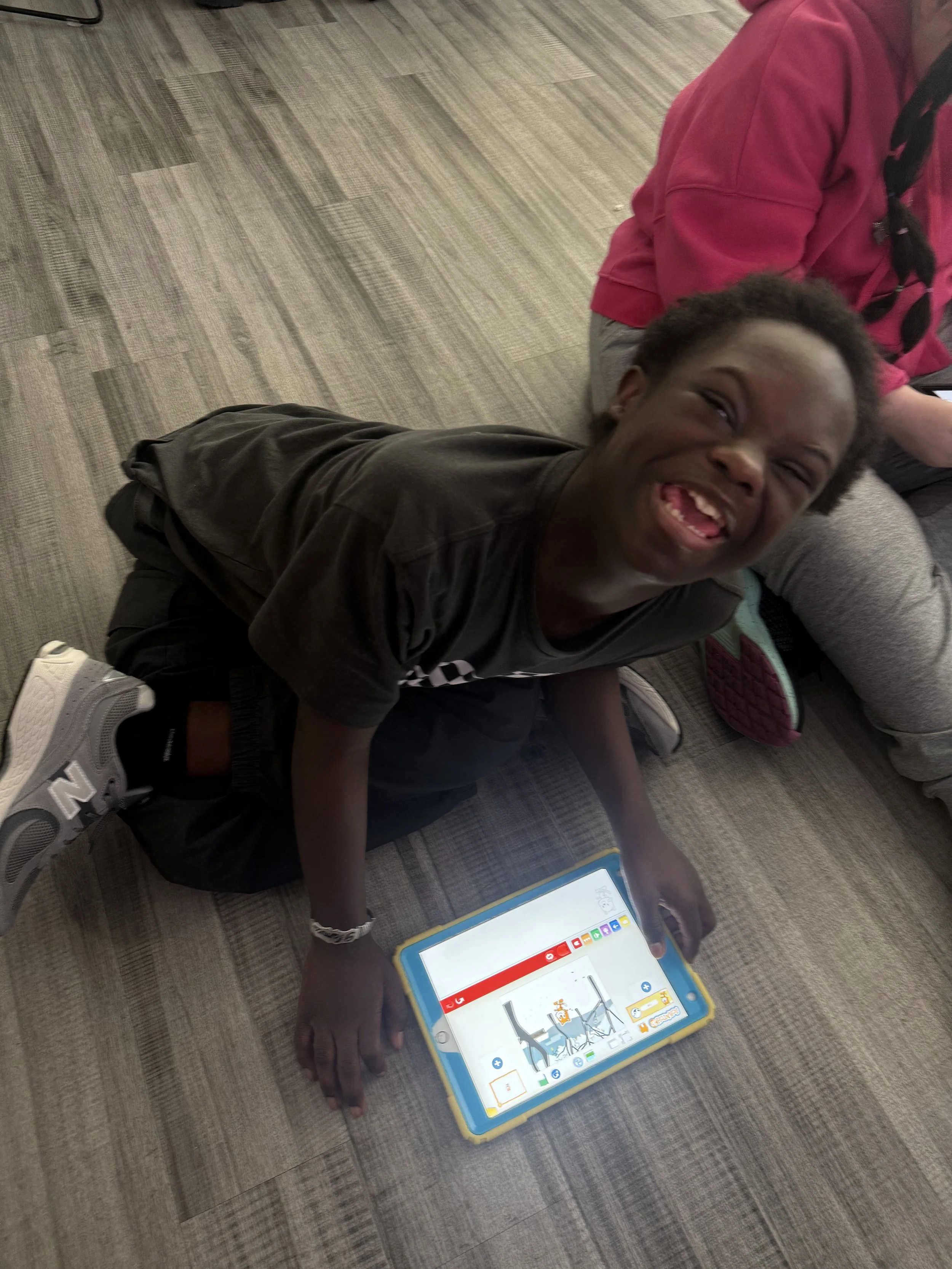
How do our students access technology?
Access is matched to each student by their team. No single method is right for everyone, and many students use more than one.
Touch
Tapping, swiping, and pressing on a screen or a large button.
Switch
One or two buttons let a student select, scan, and control a device with any reliable movement: a hand, a head, a knee, a breath.
Eye gaze
A camera tracks where a student is looking so they can select, type, and speak with their eyes.
Keyboard & mouse
Standard or adapted keyboards, trackballs, joysticks, and large-key options.
AAC
Augmentative and alternative communication: devices, apps, and boards that give a student words.
Voice
Speaking to a device, or a device speaking for a student.
Partner-assisted
A trusted person offers choices and the student confirms with a look, a sound, or a movement.
Alternative access
Head pointers, adapted styluses, and other individualized tools.
Communication
Every Voice Matters.
Communication is more than speech. Our speech-language team uses a total communication approach: whatever works for a student is a valid way to communicate.
Speech
Spoken words, sounds, and vocalizations.
AAC
Devices, apps, and boards that give a student words.
Eye gaze
Selecting, typing, and speaking with the eyes.
Switches
Any reliable movement becomes a choice.
Pictures & symbols
Boards, books, and visual supports.
Gestures
Pointing, reaching, and showing.
Sign
Signs and sign-supported speech.
Body language
Expressions, posture, and movement.
Partner-assisted
A trusted person offers choices; the student confirms.
Individualized
Systems built around one student.
A student does not need spoken words to have preferences, opinions, humor, boundaries, interests, or a voice. AAC is communication. Our job is to make sure every student is heard, and that everyone around them knows how to listen.